
Ever run out of space mid-battle, all because you didn’t anticipate your epic gaming library would grow faster than your in-game character’s stats? That’s where an external hard drive for gaming swoops in like your trusty sidekick, giving you extra room for all those files without forcing you to delete your beloved classics. Join the ranks of enlightened gamers who’ve leveled up their storage game. This guide will make you an expert on everything you need to know about external hard drives, seamlessly enhancing your gaming experience.
Understanding External Hard Drives
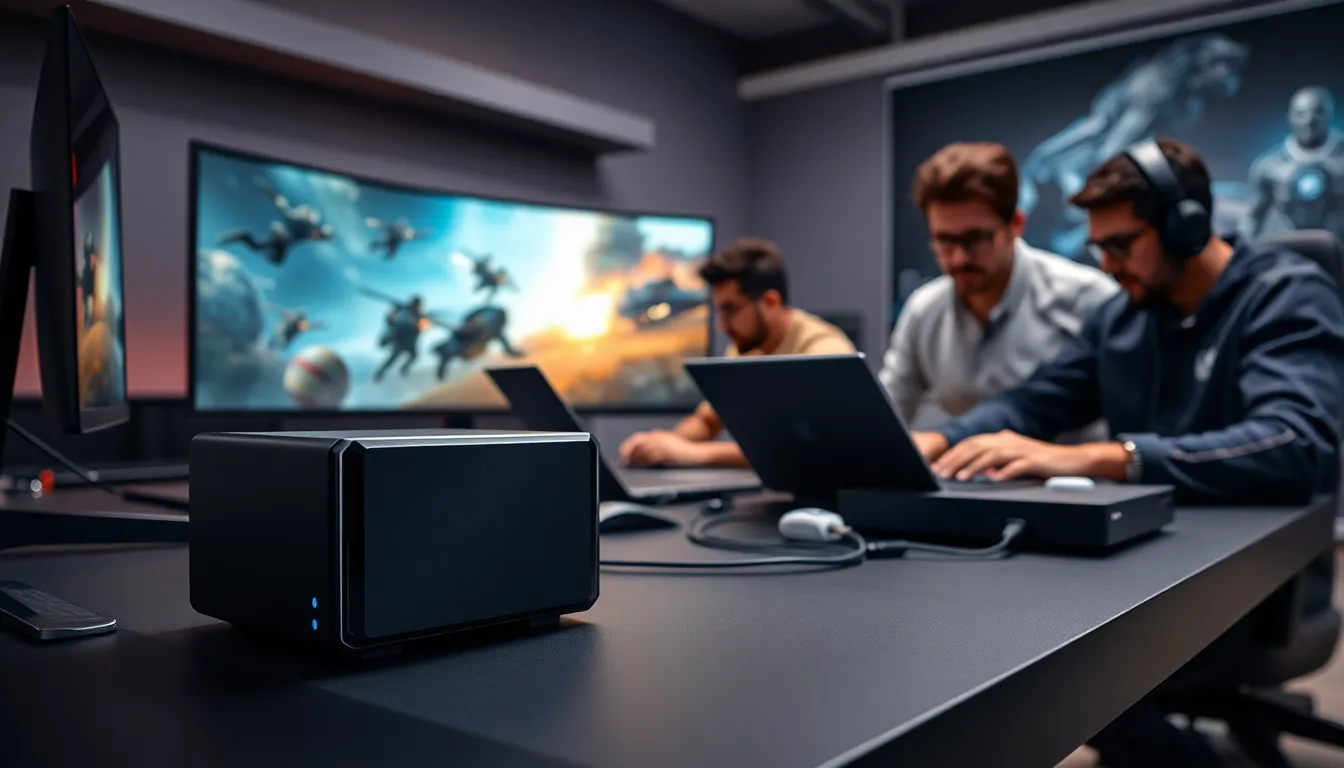
External hard drives are portable storage devices that connect to your computer or gaming console via USB or another interface. Unlike those trusty USB sticks, these babies pack a powerful punch: they can hold all your games, saves, and updates, making them quite the hero in the gaming realm. With storage capacities ranging from a few hundred gigabytes to several terabytes, they can store everything from indie hits to the latest AAA blockbusters. Understanding how they work is key to making the most of your gaming experience.
These devices work by using magnetic disks to read and write data. Modern models also incorporate SSD technology, which dramatically speeds up data transfer rates. So, whether it’s a heated match in the latest shooter or an expansive RPG quest, the speed at which games load can greatly affect gameplay. Knowledge is power, and understanding the differences between HDDs and SSDs can help gamers make informed decisions about their storage needs.
Benefits Of Using An External Hard Drive For Gaming
There are numerous benefits to utilizing an external hard drive for gaming, and let’s unpack a few of the most compelling ones.
1. Expanded Storage: The most obvious perk is the extra space it offers. If your gaming library includes massive titles like “Call of Duty” or “Red Dead Redemption 2,” the last thing you want is to be forced to uninstall a game to make room for updates.
2. Portability: Gamers on the go can simply pack up their external hard drive alongside their console or laptop. You can enjoy your favorite games wherever there’s a compatible device, making it ideal for LAN parties or weekends away.
3. Ease of Use: Setting up an external hard drive is usually a breeze, plug it in, format it if needed, and you’re good to go. Often, no software installations are required.
4. Backup Solution: Having your games on an external hard drive allows for easy backups. Should your main drive crash (heaven forbid.), you won’t lose your progress: it’s all safely stored outside.
Key Features To Consider When Choosing An External Hard Drive
When selecting the right external hard drive for gaming, consider the following key features:
1. Storage Capacity: Aim for at least 1TB for a decent amount of space. If you anticipate a growing backlog of games, consider 2TB or more.
2. Speed: Look for drives with USB 3.0 or higher for faster data transfer rates. The faster the drive, the quicker your games load.
3. Reliability: Choose a reputable brand known for durability and reliability. Reviews can provide insights into how well a hard drive performs over time.
4. Size and Portability: If you plan to travel often, a compact, lightweight design can make a difference. Consider whether you prefer a traditional HDD or an SSD for weight savings.
5. Compatibility: Ensure that the drive is compatible with your gaming console or PC. Some drives are built specifically for PlayStation or Xbox, while others can work seamlessly across various platforms.
Top Recommended External Hard Drives For Gamers
Navigating the sea of external hard drive options can be overwhelming, so here are some of the top recommendations:
1. Seagate Game Drive for PS4/PS5: Specifically designed for PlayStation, it’s portable, stylish, and can hold up to 8TB of storage.
2. WD Black P10 Game Drive: Compatible with PS4, Xbox, and PC, it offers great speed and capacity options ranging from 2TB to 5TB.
3. Samsung T7 Portable SSD: With blazingly fast speeds and a sleek design, it’s perfect for gamers who value performance over price, available in sizes from 500GB to 2TB.
4. LaCie Rugged Mini: This rugged external hard drive can withstand drops and shocks, making it ideal for those who are hard on their tech while traveling.
Setting Up An External Hard Drive For Gaming
Setting up an external hard drive is usually straightforward, but a few steps ensure everything works smoothly:
- Connect the Drive: Plug the hard drive into an available USB port on your console or PC.
- Format the Drive: Most consoles will prompt you to format the drive for use. Follow the on-screen instructions.
- Transfer Games: Once formatted, navigate to your game library and transfer games to the new drive as needed.
- Test It: Load a game from the external hard drive to ensure everything is functioning correctly.
Taking these simple steps will help unleash your gaming potential without any hiccups.
Maintaining And Troubleshooting Your External Hard Drive
Even the most reliable piece of tech can experience hiccups. Here’s how to maintain and troubleshoot your external hard drive:
1. Regular Backups: Always maintain backups of your important data. While it might be stored on an external hard drive, don’t forget to consider additional safeguards.
2. Monitor Drive Health: Use software tools to check the health of your hard drive regularly. Look for signs of wear and issues before they escalate.
3. Safe Ejection: Always eject your hard drive safely from your console or PC. This helps avoid data corruption.
4. Troubleshooting: If your console doesn’t recognize the drive, try plugging it into a different USB port or restarting your console. For persistent issues, consult the manufacturer’s support page.