In a world where high-end gaming rigs often come with price tags that could rival a down payment on a house, finding a solid, affordable gaming PC like the $500 gaming PC is akin to discovering a unicorn. It’s both magical and exhilarating. But fear not, aspiring gamer, because this guide will unravel the secrets of entering the gaming arena without draining your wallet. Whether you’re looking to frag some foes or build your pixelated empire, this guide covers everything from essential components to tailored build options, ensuring that your gaming dreams can soar without a hefty price tag.
Understanding the Budget Gaming Market
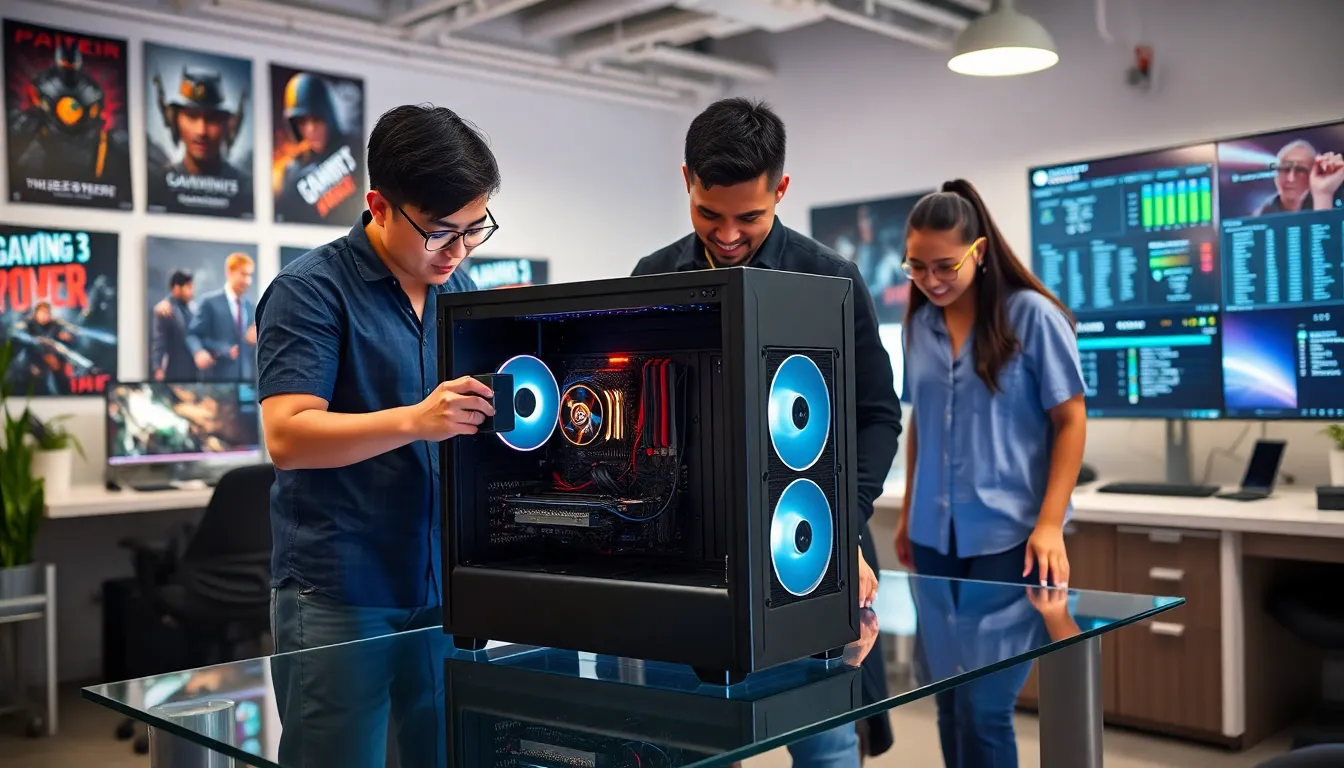
The budget gaming market has evolved significantly over the past few years. Once dominated by high-cost options, it’s welcomed a range of setups that cater to aspiring gamers seeking both performance and affordability. Understanding what defines a budget gaming PC is crucial. A $500 gaming PC can deliver a surprising amount of power if tailored properly.
Typically, gamers investing in this price range prioritize efficiency over extravagance. They seek to balance cost and performance, ensuring they can enjoy the latest AAA titles without very costly. But how do they achieve that? The answer lies in knowing your options and choosing the right components for the ultimate experience.
Many first-time builders enter the market believing that more expensive hardware always equals better performance. That’s a myth. Effective research can yield incredible setups featuring mid-tier hardware that allows for enjoyable gameplay. Buyers must focus on components that provide the best gaming experience for their budget.
Also, the rise of options like integrated graphics, which used to be a no-go for gamers, has changed the landscape. Many integrated graphics solutions can now handle games efficiently at moderate settings – a boon for anyone trying to make their budget stretch further.
Key Components for a $500 Gaming PC
Building a $500 gaming PC might seem daunting, but identifying key components can help streamline the process. Here’s a breakdown of what to look for:
1. CPU
Choosing the right processor sets the tone for the entire build. Look for a solid mid-range option like the AMD Ryzen 5 5600G or Intel Core i3-12100F. These CPUs provide a good balance between price and performance, allowing for smooth gameplay in most titles.
2. GPU
A dedicated graphics card is the heart of any gaming setup, but don’t expect to splurge in a $500 build. Instead, consider options like the AMD Radeon RX 6500 XT or NVIDIA GeForce GTX 1650. They’re affordable and capable of running games efficiently at medium settings.
3. Motherboard
The motherboard connects all the components, so ensure compatibility with your CPU and GPU choices. Look for budget-friendly options, such as those from MSI or ASUS that support future enhancements.
4. RAM
Aim for at least 8GB of RAM. Brands like Corsair and G.Skill offer budget-friendly kits that provide excellent stability and performance. More RAM can help in multitasking and improving the gaming experience.
5. Storage
An SSD is preferable for loading games quickly, so a 500GB SSD like the Crucial P3 can enhance your overall performance and keep load times to a minimum. If you need extra storage, consider adding a traditional HDD later.
6. Power Supply
Don’t ignore the importance of a high-quality power supply. A reliable unit from brands like Seasonic or EVGA ensures stability and longevity for your build.
Recommended Build Options
Now that the components are covered, here are a couple of tailored configurations that fit the $500 budget and are perfect for various gaming needs:
Budget Build 1: The Rookie Rumble
- CPU: AMD Ryzen 5 5600G
- GPU: Integrated Graphics
- Motherboard: MSI B450M Pro-VDH
- RAM: Corsair Vengeance LPX 8GB
- Storage: Crucial P3 500GB SSD
- PSU: EVGA 500 W1
This build is fantastic for entry-level gaming and can handle titles like “Fortnite” or “League of Legends” comfortably. The integrated graphics on the Ryzen 5 allows for solid performance while saving costs on a separate GPU.
Budget Build 2: The Powerhouse Lite
- CPU: Intel Core i3-12100F
- GPU: NVIDIA GeForce GTX 1650
- Motherboard: ASRock B660M Pro4
- RAM: G.Skill Ripjaws V 8GB
- Storage: Western Digital Blue 500GB SSD
- PSU: Seasonic S12III 500W
This configuration packs a more powerful punch, making it ideal for casual gaming and tackling modern titles on medium settings.
Performance Expectations and Limitations
Understanding what to expect from a $500 gaming PC is vital for managing expectations. While these setups can handle popular titles with decent performance, remember they aren’t designed for ultra-settings.
Performance Capabilities
For example, users can smoothly run games like “Apex Legends” or ” PUBG” at medium settings. But, if a gamer leans towards graphically-intensive games like “Cyberpunk 2077,” they may face limitations, requiring reduced settings to achieve playable frame rates.
Future Pretty Specifications
Another point to realize is that while these components provide good performance, they might not support upcoming games with ease. Gamers should consider their gaming habits and if they’re planning to jump into higher-fidelity gaming in the future. Upgrading gradually can smooth this transition.
In short, this price range represents an entry into the gaming world, and while it grants access, it may also leave gamers wanting a bit more as technology advances.
Eventually, managing expectations and knowing these builds’ limitations is essential for a satisfying experience.
Upgradability and Future-Proofing
One of the advantages of building a gaming PC is the potential for future upgrades. When investing in a $500 gaming build, considering what can be upgraded down the line adds both value and longevity to the investment.
1. CPU Options
Selecting a motherboard with a socket that supports multiple CPUs ensures potential upgrades. For instance, the AMD B450 or B550 chipset allows for later upgrades to Ryzen 7 processors, providing power for more demanding games.
2. RAM
Starting with 8GB of RAM is reasonable, but keeping slots available for adding more RAM later can drastically improve performance as needs grow.
3. GPU
A dedicated graphics card can typically be swapped out whenever an upgrade is needed. Users should prioritize a solid PSU to handle potential upgrades in GPU power without causing issues.
Eventually, planning a $500 PC build with upgradability in mind will enhance its lifespan and performance.